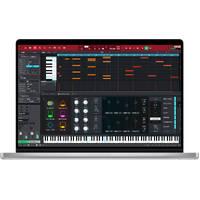
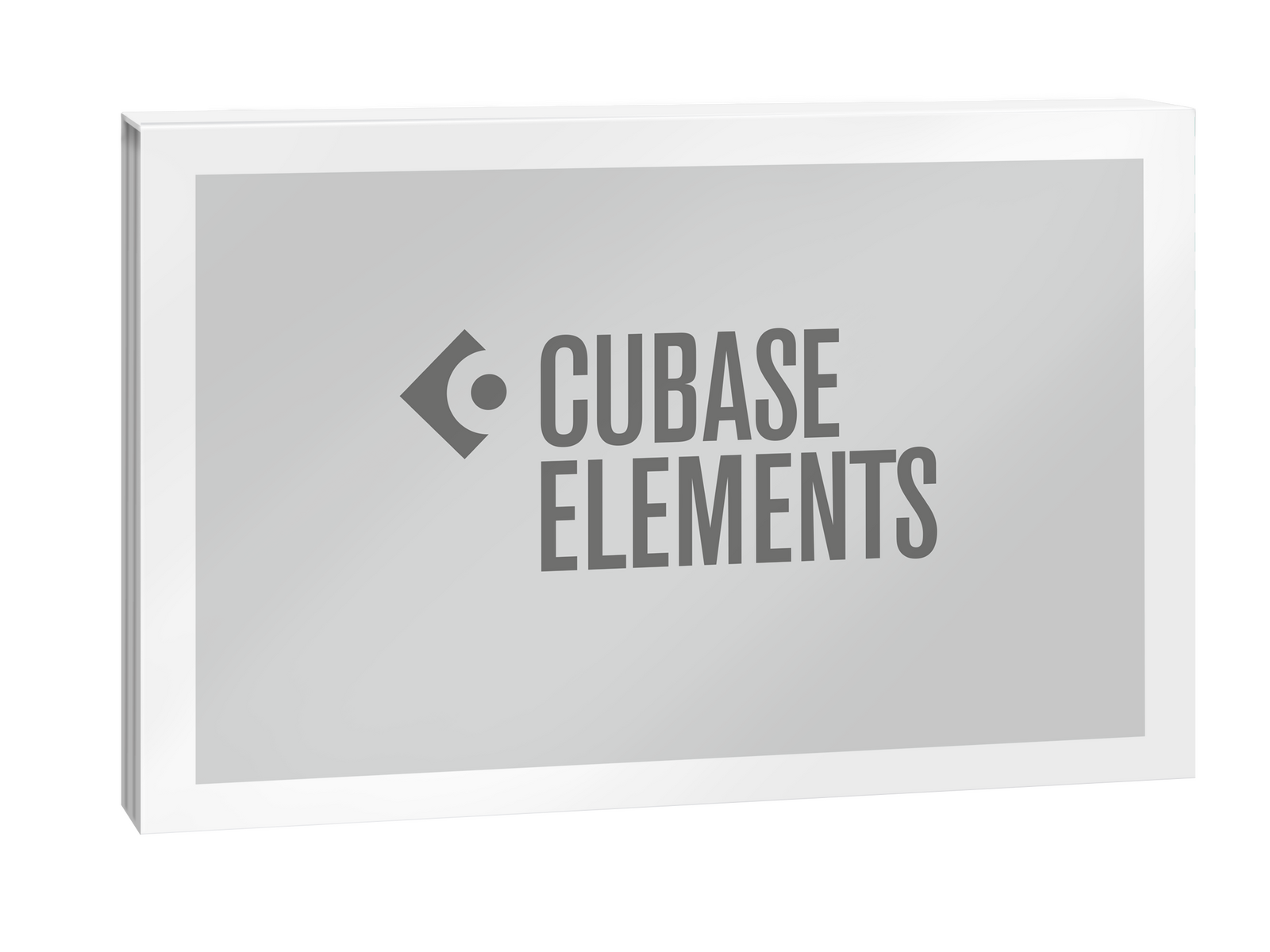
Steinberg Cubase Elements 15
Digital Download
RRP $165.00

See more from Steinberg
SKU: 1527-109
 More info
Calculate Shipping
Digital Delivery - $0.00
Activation codes will be sent via email before close of business on the following business day, Monday through Friday.
***All activation codes will be sent via email within 8 hours, 7 days a week. Unfortunately incorrectly ordered software licenses cannot be refunded or returned***
Shape Your Sound. Be Unique.
From Hollywood blockbuster composers and Billboard Hot 100 producers right through to keen beginners, the world of music production trusts in Cubase.
Do you want to start creating your own music, bring your production up to a professional level, or streamline your workflow for short deadlines? Whatever you need, Cubase helps you to reach your full creative potential. From Hollywood blockbuster composers and Billboard Hot 100 producers right through to keen beginners, the world of music production trusts the comprehensive feature set, straightforward tools and unrivaled sound of our acclaimed music production software.
-
The reference standard for music production software
-
Produce tracks from start to finish
-
Suitable for all genres, levels and budgets
-
Fast, flexible and intuitive workflows
Cubase Elements 15
The perfect budget-friendly introduction to the world of music production. Cubase Elements has all you need to get started!
-
Inspiring songwriting tools including Chord Pads
-
Retrospective Record
-
Scale Assistant
-
Groove Agent SE, HALion Sonic, Iconica Sketch, Flux and Sampler Track
-
Over 20 GB of sounds and loops
All-inclusive feature set
Cubase empowers musicians with a vast array of cutting-edge tools for composing, recording, editing, and mastering music effortlessly.
Unmatched versatility
From electronic beats to orchestral arrangements, Cubase is flexible enough to adapt to any genre, catering to the creative needs of artists of all styles.
Limitless sonic horizons
With an included wealth of high-quality VST instruments, plug-ins and sounds, Cubase lets you create masterpieces straight out of the box.
Mixing excellence made easy
Craft professional mixes using Cubase's MixConsole, which offers customizable channel strips and advanced routing options for straightforward, optimised control.
WHAT'S NEW IN CUBASE 15?
Automation - Last Touched First
New automation shortcuts automatically show and prioritize your last-touched parameter, adding a simplified menu for lightning fast access and editing.
New Hub - Start Smart
The redesigned Hub makes project startup smoother than ever, with resizable sections, audio setup, project preview, plus powerful search and filter tools.
Sounds & Loops - Songstarter Packs
Fuel your sessions with genre-spanning loop packs and inspiring samples — perfect for getting ideas flowing fast.
Chord Pads - Instant Inspiration
Get creative with 30 brand-new Chord Pad presets, all ready-to-play voicings for jazz, soul, pop, indie, and more to kickstart your next progression.
OMNIVOcal (Beta) - Discover the Vocal Revolution
Experience natural vocals that push the limits of vocal synthesis. The simple interface and seamless workflow make creating expressive results effortless and inspiring every time.
MORE NEW FEATURES
macOS - Maximize the Mix
Cubase now supports native full-screen mode on macOS, which is ideal for immersive editing and mixing across Project and MixConsole windows.
SCORE EDITOR - Refined Notation
The updated Score Editor offers new tools and enhanced workflows for faster, more inspiring notation.
Track Controls - Volume and Pan, Your Way
Add volume and pan directly to the Track Controls Area. Customize the layout per track type, for quicker mix moves and visual clarity in busy sessions.
Collaboration - DAWproject for All
The DAWproject format is now more versatile than ever. Share sessions across all editions of Cubase, Cubasis, and other supported DAWs without losing your structure or creativity.
Pattern Presets - From Bass to Leads
Jumpstart your creativity with new pattern bank presets for basslines, leads, chords, and arpeggios — all powered by the new melodic modes in the Pattern Editor.
Virtual Instruments - Groove Agent SE 6
A redesigned Groove Agent SE with scalable UI, new mixer, and enhanced effects brings next-level drum production inside Cubase.
Sampler Track - Hot Swap Samples
Instantly replace samples via MediaBay using Hot Swap, plus filter-based browsing shortcuts make auditioning sounds fast, focused, and fun.
Scaling for All Plug-ins
All stock effect plug-ins now support user-interface scaling. Go full screen or fit neatly into your workflow, without sacrificing clarity.
macOS - Pinch to Zoom
Pinch-to-zoom gestures are now supported on compatible macOS devices. Zoom in and out of your timeline with smooth, tactile precision.
Quick Export - Bounce in a Flash
New quick export options let you render audio faster than ever — perfect for exporting bounces or previews in the middle of a session.
FEATURED HIGHLIGHTS
Chord Pads
This inspiring tool helps you compose music quickly and creatively. It is very easy to get “stuck” when writing chord progressions but, with the fast and easy-to-use Chord Pads, fresh inspiration will always be close at hand. Jam with chords and patterns in real time and control multiple parameters to change chords as you go. The chord pads are playable via a MIDI controller and real-time parameters allow you to easily improvise chord performances by changing voicings, tensions and much more while you are letting the music and inspiration carry you along!
MixConsole
Cubase's MixConsole excels not only in terms of usability, look and feel, but also sounds like a high end analog mixing console. Featuring a scalable, dedicated full-screen mode, the MixConsole is optimized for mouse-free operation - virtually all channel elements are accessible via the computer keyboard and screen reader software for the visually impaired. Featuring View Sets and Channel Zones for the utmost flexibility, ‘one click’ direct routing, customizable track icons, track notepad, drag-and-drop support and plug-in / channel search function, it feels like having a state-of-the-art mixing console in your computer - and sounds like it, too.
Groove Agent SE
Possibly the most comprehensive drum production software instrument ever produced, Groove Agent features a huge library of stunning samples, grooves and patterns, as well as a full virtual mixer and FX suite for even more creative options. Groove Agent SE features an exceptionally powerful beat production toolkit, ready to help you create the best beats, whatever genre you’re working in. Produce floor-shaking sounds and dancefloor-filling grooves with an array of incredible sample manipulation tools, FX, slice editors and much more. Thanks to its deep integration, you will be able to see the instruments mapped automatically as drum maps into the Drum Editor and Beat Designer.
Channel Strip (Basic)
In the basic channel strip version, just like in the advanced version, you can assign modules directly to the specific channel. However, the basic version does not offer the full effects palette. Cubase AI and LE users have an even more streamlined version of the Channel Strip. The full range offered by the advanced channel strip can be found in Cubase Pro and Cubase Artist.
Sampler Track 2
Take any piece of audio and use it to create a Sampler Track. You can then play the sample chromatically and manipulate it with the onboard filters, controls and two LFOs, experimenting to come up with new and innovative ideas. Slicing mode chops up your loops so they’re ready-to-play with just a click while, for the 808 lovers, there’s the mono legato glide!
MIDI Remote
MIDI controllers are essential to every music production setup. MIDI Remote Scripts will help to automatically detect your device and map the controls. If there is no script for your device yet, you can easily create your own with the MIDI Controller Surface Editor. You can then conveniently connect controls and parameters with the Mapping Assistant.
SYSTEM REQUIREMENTS
Operating systems (Windows): 64-bit Windows 10 Version 22H2 (or higher), 64-bit Windows 11 Version 24H2 (or higher)
Operating systems (Mac): macOS Sequoia, macOS Sonoma, macOS Tahoe
Apple silicon–based Mac: Native App, Rosetta 2 App
CPU minimum (Windows): Intel® Core i5™ (8th Generation) or AMD Ryzen™ Series-3000 or Windows on Arm processor
CPU minimum (Mac): Intel® Core™ i5 (late 2018 or later) or Apple silicon
CPU cores: 4 or more
RAM minimum: 8 GB
Hard disk free space (core installation): 1.5 GB
Hard disk free space: 84 GB
Display resolution minimum at 100% UI scaling: 1440 x 900
Graphics minimum (Windows): Graphics card with native Windows 10 support (Microsoft Basic Display Driver is not recommended)
Graphics recommended (Windows): AMD R or RX series and later or NVIDIA Series 700 and later
Graphics (Mac): Graphics card with Metal support
OS compatible audio hardware: Yes
ASIO compatible audio hardware recommended for low-latency performance: Yes
License Management: Steinberg Licensing (account based)
Internet connection for: License activation, account sign up and product registration, installer download
Notes: VST 2 is not officially supported. VST 2 plug-ins may be loaded (excluding on Native Apple Silicon) when the VST 2 plug-in scanner is enabled in the VST Plug-in Manager. However, Steinberg does not provide support for any issues related to VST 2.
For more information, click here to visit the manufacturers website.