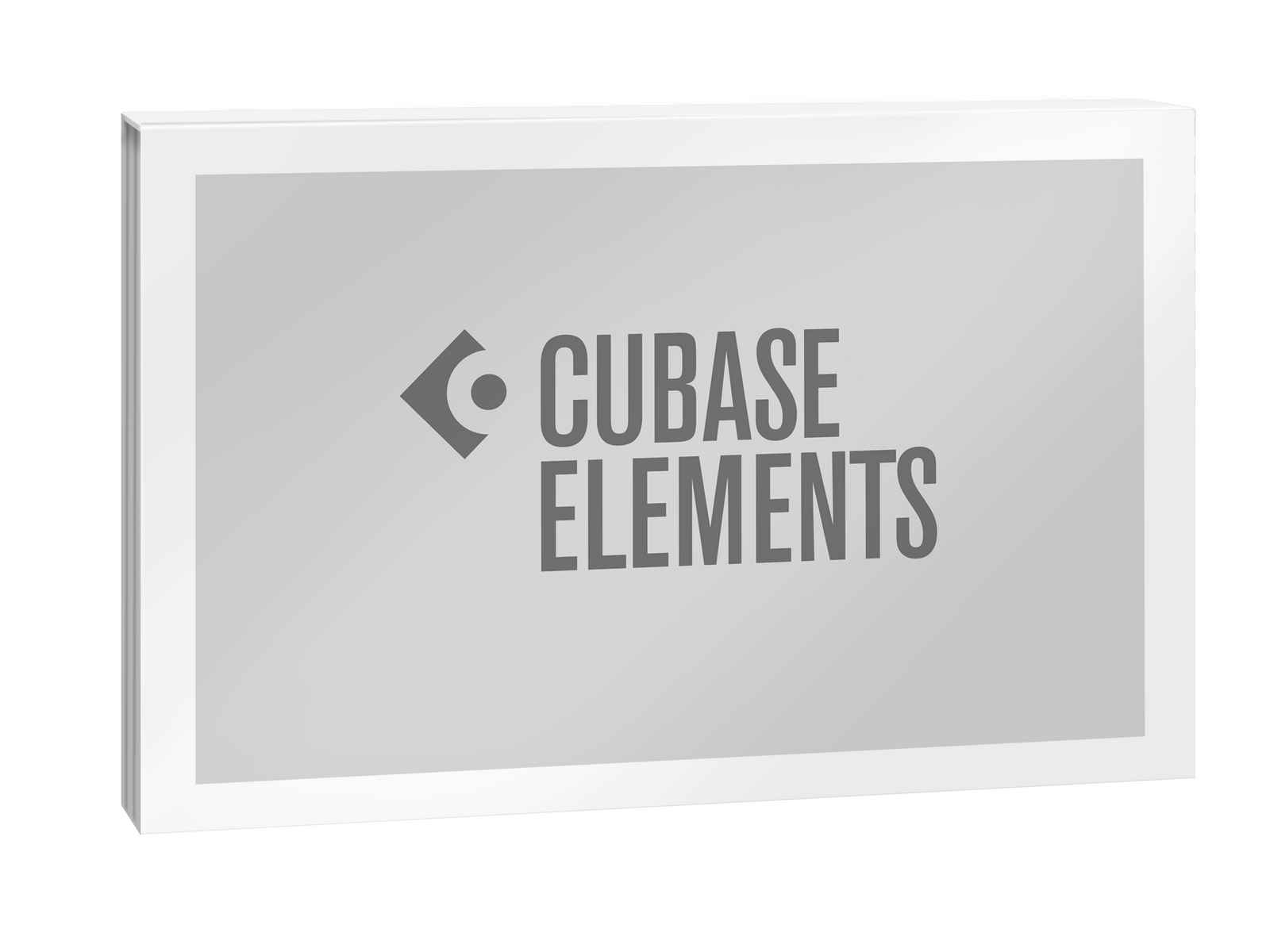
Steinberg Cubase Elements 16 Update from Elements 6-11
Digital Download

 More info
Calculate Shipping
Digital Delivery - $0.00
Activation codes will be sent via email before close of business on the following business day, Monday through Friday.
***All activation codes will be sent via email within 8 hours, 7 days a week. Unfortunately incorrectly ordered software licenses cannot be refunded or returned***
Please note: This is an Update from Cubase Elements 6-11 to Cubase Elements 16. This product requires an existing and current Cubase Elements 6-11 license in order to be activated. Please confirm your eligibility before purchase, because digital download products are non-refundable.
Cubase is the complete music production software that gives you the tools and freedom to bring your ideas to life and make them sound like you.
Cubase Elements - Everything you need to make music with Cubase. Simple, focused, and nothing in the way.
FEATURES
-
All essential tools for recording, producing and mixing
-
Intuitive workflow designed to get you making music fast
-
The perfect foundation for your Cubase journey
Create Without Limits
Turn your ideas into finished music with everything you need to compose, record, edit, and mix in one production environment.
Made for Your Music
From electronic music and songwriting to recording, orchestral composition, and scoring, Cubase feels at home across genres and production styles.
Bring Ideas to Life
Create beats, chords, melodies, and sounds with tools that help you experiment, explore new possibilities, and turn inspiration into music that feels like your own.
Make Cubase Your Own
Shape Cubase around the way you work, with an environment that adapts to your workflow, experience, and ambitions.
Explore the complete creative environment for every stage of your music production.
-
Compose and Produce
Turn ideas into songs with composition tools and precise MIDI editing. Find your own sound with included instruments, sounds and effects. -
Record Your Best Performances
Capture vocals, instruments and full ensembles. Combine your best takes and refine timing and pitch with Cubase’s audio editing tools. -
Mix and Finish Your Music
Finish your production with a balanced, polished mix. Professional mixing tools and included effects help you get your music ready for release.
Cubase 16 introduces new creative possibilities, faster workflows, and meaningful refinements across every stage of music production.
Whether you’re opening Cubase for the first time or working on your hundredth production, Cubase 16 keeps you focused on making music with an experience that’s more approachable, more fluid, and more creative than ever.
-
Settings - Everything in One Place
The redesigned Settings dialog brings preferences, key commands, project setup, audio connections, and more into one searchable workspace, with instant non-modal updates while you keep working. -
Key Editor - Add Motion with Strum
Make chords feel more natural and expressive with the new Strum feature in the Key Editor, from subtle timing variations to dramatic strummed performances with precise control over timing and feel. -
Key Editor - Shape MIDI Time
Stretch melodies, chord progressions, and basslines to fit your song, then add natural accelerandos and ritardandos with a single gesture. -
Tempo Detection - Match Your Tempo
The tempo detection workflow has been redesigned to deliver better results in less time, making it easier to match imported songs and recordings to your project. -
VocalTouch - Simple Vocal Polishing
Streamlined for just the essentials, VocalTouch helps you to shape polished vocal sounds with quick, intuitive control. -
New Sounds and Loops - Start with a Spark
Five new sample packs deliver inspiring sounds and fresh starting points for your next projects. -
Omnivocal Basic - Fast Track Vocal Ideas
Sketch vocal ideas quickly with a lightweight vocal production tool, built to keep songwriting moving. -
Waves Illugen Integration - Expand Your Workflow
Connect Cubase with Waves’ Illugen sample generator to create and import custom samples with minimal interruption to your creative flow. As a Cubase 16 user, you’ll receive a two-month Waves Illugen subscription voucher in your Steinberg account.
More New Features
-
Advanced Audio Coding - More Import Options
Cubase now supports importing M4A and AAC files, making it easier to bring audio in from more sources. -
Mixing - More Sends
Cubase 16 expands the maximum number of sends per track from eight to sixteen, and doubles the available Cue Sends from four to eight for more flexible routing. -
MIDI 2.0 - More Expression
Expand expression workflows with MIDI 2.0, enabling more expressive performances and intelligent articulations from compatible instruments and controllers. -
Key Editor - Put Words to Music
Add and edit lyrics directly alongside your MIDI notes in the Key Editor, with fast step entry and dedicated controls for pronunciation and language. -
Windows 11 - Windows MIDI Support
Cubase now supports the latest Windows MIDI platform, preparing your studio for the next generation of MIDI devices and technologies in Windows 11. -
Mastering Presets - Master Faster
Take mixes closer to release with a new set of FX mastering presets, including technical and genre-based starting points for faster release-ready results. -
Guided Tour - Start with Confidence
Get up to speed faster with the new guided tour which introduces the Cubase interface and helps new users to get started. -
ASIOGuard - Keep Projects Moving
The extended ASIOGuard pre-processing buffer helps demanding projects with many tracks and plug-ins to play back more smoothly with additional processing headroom. -
Ableton Link - Stay in Sync
Cubase now supports Ableton Link for smoother synchronization across compatible apps and devices. -
Audio Pool - A Cleaner Pool
The Pool has been redesigned for a cleaner, more efficient media management workflow. -
Quick Help - Know What It Does
Learn Cubase as you work with Quick Help, offering contextual explanations in the left zone or a floating window. -
Workflow - Small Changes, Big Flow
From faster plug-in handling to more flexible drag-and-drop workflows, Cubase 16 has practical refinements to keep you creating. -
MIDI - Name Your Controls
Rename MIDI controllers to match your instruments and hardware, making automation and controller editing easier to read and understand. -
Settings - External Connections
Set up external instruments and effects with audio, MIDI, and synchronization in one streamlined workflow.
New Features At A Glance
-
Instrument Stacks
Layer multiple instruments inside one playable stack with per-layer filtering and unified control. -
Module FM Library
More than 200 new HALion Sonic presets for modern FM-based production sounds. -
Key Editor Strum
Add more natural timing and feel to programmed chords. -
Key Editor Stretch
Stretch melodies, basslines, and chord progressions to the length you need. -
Rename Controller
Replace generic MIDI controller messages names with labels that match your instruments and hardware. -
Tempo Detection
A redesigned workflow for faster, more reliable tempo matching. -
Redesigned Settings
Searchable, consolidated setup and customization in one non-modal window. -
Quick Help
Context-aware in-app guidance in the Left Zone or a floating window. -
DrumChain
Fast drum enhancement for punch, clarity, and low-end weight. -
Waves Illugen Integration
Seamless integration with Waves Illugen for custom sample creation. -
Mastering Presets
New technical and genre-based FX chain presets for faster finishing. -
New Sounds & Loops
Five new sample packs to spark new ideas. -
Pitch Detection and Phase Inversion
Faster sample tuning and tighter drum layering in Sampler Track and Drum Machine. -
Omnivocal Basic
A lightweight tool for developing vocal ideas quickly. -
Stem Separation
Better quality plus piano and guitar extraction. -
Workflow Refinements
Faster insert handling and more flexible drag and drop. -
Multiple Video Outputs
Send video to more than one display destination. -
Windows MIDI Support
Built on the latest Windows MIDI platform for next-generation MIDI devices and technologies on Windows 11. -
Expanded MIDI 2.0 Support
Support for MIDI 2.0 Note Expression and Expression Maps for more expressive performances and orchestral articulation workflows. -
Redesigned Audio Pool
Cleaner media management. -
Extended ASIO-Guard
More processing headroom for demanding projects with large track counts and CPU-intensive plug-ins. -
AAC and M4A Import
Broader audio file support. -
Spectral Audio Warp
Extreme time-stretching and pitch-shifting with outstanding sound quality. -
VocalTouch
Fast, intuitive vocal shaping. -
16 Sends and 8 Cue Sends
More routing options for bigger mix setups. -
Guided Tours
A friendlier onboarding experience for new users. -
Ableton Link
Easier sync with other compatible music apps.
For more information, click here to visit the manufacturers website.