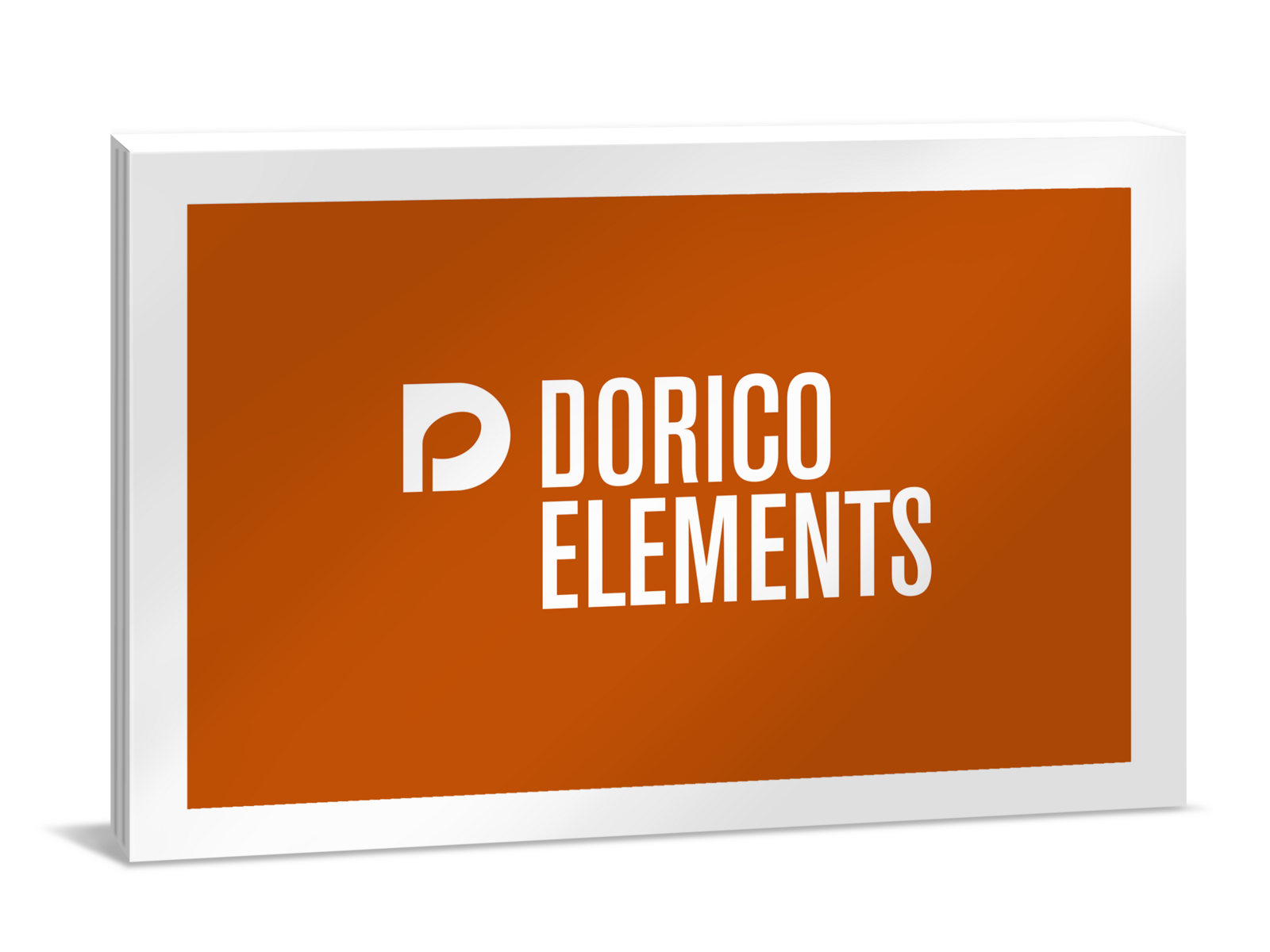
Steinberg Dorico Elements 6
Music Notation Software

 More info
Calculate Shipping
Digital Delivery - $0.00
Activation codes will be sent via email before close of business on the following business day, Monday through Friday.
***All activation codes will be sent via email within 8 hours, 7 days a week. Unfortunately incorrectly ordered software licenses cannot be refunded or returned***
Dorico Elements 6 - Compose and arrange music for ensembles of any size, with everything you need to make beautiful scores. Suitable for use at home and by students in secondary education.
Dorico is the first choice for music notation and composition, packed with smart, time-saving features that help you focus on what matters most: making music.
Every version of Dorico is packed with smart, time-saving features to help you spend less time in front of your computer and more time doing what you love: making music.
FEATURES
-
Fast and easy to learn
-
Suitable for every level and type of music
-
Ideal for learning and teaching
-
Beautiful, modern design
HIGHLIGHTS
Automatic layout of parts
Naturally, Dorico allows you to originate both the conductor’s score and parts for individual players from the flows of music in your project as individual layouts. Changes made to the music in one layout are automatically reflected in any others in which that music appears, while allowing complete independence in terms of page and system appearance between every layout.
Automatic engraving
Developed in consultation with experienced engravers working with some of the world’s most demanding music publishers, the automatic engraving engine at the heart of Dorico produces the most elegant, beautiful results of any scoring application. Attention has been lavished on every detail of the appearance of the music, from the meticulous design of every symbol in the Bravura font, to the precise placement rules for every notated element.
Drum notation
Creating clean and precise parts for your drummer has never been easier. As you input drum notation, Dorico determines voicing and stem direction automatically, and provides complete flexibility for changing the composition of the kit and the allocation of notes to each drum in the kit. And when writing for orchestral percussion, only Dorico allows you to change the presentation of the music on the fly, instantly switching between showing each instrument individually, or combining them together into a grid or a five-line kit.
Easy note input
Inputting music in Dorico is fast and easy. Use your keyboard or mouse to input notes, and learn easy to remember key commands, or define your own, allowing you to fly through note input faster than ever before. Dorico has the flexibility to notate every note according to the changing musical context using its sophisticated understanding of the rules of meter, ensuring that the rhythm is always clearly communicated, even as notes are lengthened, shortened, inserted or removed.
Integrated MIDI editors
Dorico is the only professional music notation software with an integrated sequencer-style view, incorporating familiar tools like piano roll, velocity, MIDI controller and tempo track editors. Combined with the use of VST Expression Maps, Dorico’s Play mode offers a unique level of control over virtual instrument playback.
Intelligent assistant
Using Dorico is like having an intelligent assistant sitting beside you, adapting to the music you write and ensuring that it is always notated legibly and correctly for your performers. Dorico understands core musical concepts like meter, rhythm and tonality to ensure that your music is always presented as clearly as possible, and its unrivalled automatic engraving engine produces pages of balance and beauty without you needing to lift a finger.
Linked guitar tab
Whether you want to show guitar tab on its own or together with staff notation, you can instantly switch the way the music is shown, and when you edit the tab, the staff notation is automatically updated, and vice versa. Create tab for fretted instruments with any number of strings, irregular (non-chromatic) fretboards, and add all of the idiomatic notations you would expect: bends, slides, hammer-ons, pull-offs, and more.
Multiple pieces per project
Dorico handles multi-movement works — such as sonatas, symphonies, songbooks, musicals and operas — so easily and simply, you’ll wonder how you ever managed without it until now. Each project file can contain as many independent pieces of music as necessary, called flows.
Streamlined workflow
Dorico has a simple, uncluttered interface that is intended to disappear and allow you to focus on the music. Designed to be comfortable and efficient on a laptop computer with a single display, but expanding effortlessly into the studio with multiple large displays, Dorico’s single-window design puts all of the application’s power within easy reach.
Supports VST 3
Dorico includes the same world-class audio engine that powers Cubase and Nuendo, delivering a crystal-clear 32-bit floating-point resolution and 192 kHz sample rate, with a pristine sound quality that is the hallmark of the Cubase music production experience. Dorico supports all VST 3-compatible virtual instruments and effects, and includes the HALion sample engine and a top-end compressor and brickwall limiter that can be inserted on each channel.
What can you do with Dorico?
Compose
Dorico is the only music notation software designed from the ground up for composing, and it supports you at every stage in the process. Flexible input and editing tools allow you to change your mind about any decision at any time, and work without constraint.
Arrange
Quickly move music between players, explode or reduce it onto more or fewer instruments. Powerful transformation tools allow you to change tonality, perform inversion, map onto new scales, and more. You can even create fully-voiced parts from chord symbols.
Perform
Dorico comes with hundreds of high-quality sounds, more than 30 effects processors, and a full audio Mixer, plus tools to help you make your music sound as good as it looks. The integrated Key Editor allows you to tweak every aspect of your score’s performance.
Share
Dorico can import MIDI and MusicXML, and export MIDI, MusicXML, audio, and graphics. Whether you’re working on your own or part of a team, it’s easy to get music into the hands of your performers or collaborators. Projects are also fully compatible between desktop and iPad.
Publish
Dorico formats your music beautifully, completely automatically. With Dorico Pro, you have the tools to meet the demands of any publisher, with thousands of options for customization. But you’ll almost never need them – everything looks great by default.
Learn
Dorico is widely used in schools, colleges and universities. It’s perfect for producing learning materials and for building an understanding of music theory. And it’s easy for students to learn with dozens of helpful tutorials and well-structured documentation.
SYSTEM REQUIREMENTS
Operating systems (Windows): 64-bit Windows 10 Version 1809, Windows 11 (64-bit)
Operating systems (Mac): macOS Monterey, macOS Ventura, macOS Sonoma, macOS Sequoia
CPU minimum (Windows): 64-bit Intel or AMD multi-core
CPU recommended (Windows): Intel i5 or faster
CPU minimum (Mac): Intel® Core™ i5 (late 2018 or later) or Apple silicon
RAM minimum: 4 GB
RAM recommended: 8 GB
Hard disk free space: 6 GB
OS compatible audio hardware: Yes
ASIO compatible audio hardware recommended for low-latency performance: Yes
License Management: Steinberg Licensing (account based)
Internet connection for: installer download, account sign up and product registration, license activation
For more information, click here to visit the manufacturers website.