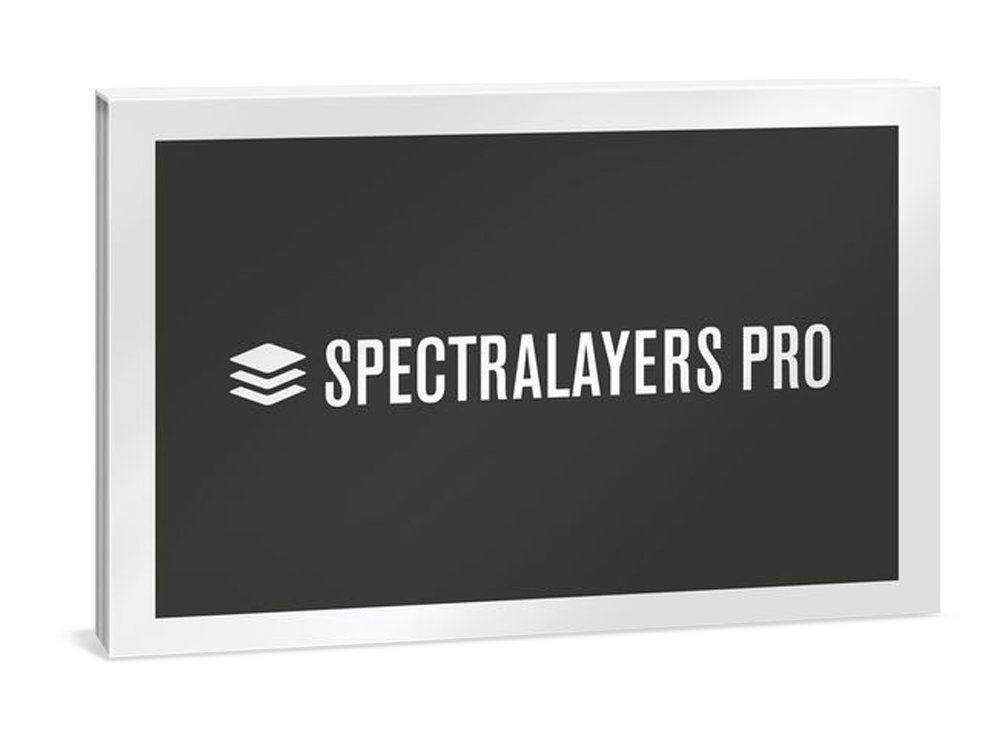
Steinberg SpectraLayers Pro 12 Education
Digital Download

 More info
Calculate Shipping
Digital Delivery - $0.00
Activation codes will be sent via email before close of business on the following business day, Monday through Friday.
***All activation codes will be sent via email within 8 hours, 7 days a week. Unfortunately incorrectly ordered software licenses cannot be refunded or returned***
Please note: This is an Education edition of Cubase Pro 15. Education software editions require eligibility verification before you can register your license. Please read this article before purchasing if you're not sure.
Sound and Vision. Unified. The expert in spectral editing and AI-driven audio processing
SpectraLayers delivers audio empowerment by showing sounds as visual objects. You can explore, reach in, take and transform, working wonders on tasks ranging from repairing and restoring audio to freeform sound design. Unmatched selection tools developed over many years are now joined by new artificial intelligence-driven audio extraction and repair processes, making this the most significant version of SpectraLayers yet.
FEATURES
-
The vanguard of spectral editing applications
-
Touch, sculpt, and shape audio on a spectral graph
-
Automatic, artificial intelligence-driven processes
-
From repair and restoration to freeform music creation
SpectraLayers Pro 12
The premier spectral audio editing application, featuring the ideal tool collection for exploring, sculpting and shaping audio in the spectral domain.
Artificial Intelligence. Sensory Integration.
Looking at audio on a spectrograph display is one thing, but the ability to easily touch, sculpt and shape what you see is what sets SpectraLayers apart. And now you have a skilled, highly trained AI partner that can sense patterns, perform operations and speed you on your way to perfect audio.
A foundation for AI-enhanced processing
The manual selection tools in SpectraLayers allow everything from broad brush editing to microscopic intervention. AI-assisted processes bring even more speed and precision, making the SpectraLayers tool set and layers-based workflow more powerful and flexible than ever.
From pure science to free improvisation
Use AI speed and precision to split a sample into layers and create freeform mixes. Automatically unmix tracks into stems, and stems into component parts. Quickly identify, isolate, and work on the tone, transients and noise signatures of extracted instruments. Do you make experimental music? Get granular and mold sound with surgical precision in SpectraLayers. It’s a freeform music creation tool… a genuine musical instrument.
Repair and restore
Find and erase errors and unwanted sounds, reduce noise, repair clips, remove clicks, tame transients and much more — manually or automatically — with the new AI-assisted processes in SpectraLayers. Work with speed and precision, and enjoy the satisfaction as you routinely salvage tracks and perform audio enhancements in ways you never thought possible.
The ARA era
Today’s audio production platforms need to work in both the waveform and spectral domains. What engineers want is serious application power, coupled with the flexibility to deliver the best in creative options, accessibility and workflow. Thanks to advanced ARA 2 technology, which is designed to build bridges between audio editing applications, SpectraLayers can be launched inside Nuendo, Cubase and a host of applications from other developers to provide comprehensive, non-destructive visual editing right on the DAW timeline.
Audio refabrication
Use high-precision tools to make super-detailed audio selections on the spectral display. Extract this material to independent layers for processing, in SpectraLayers or anywhere in the DAW ecosystem. Mix and render, or keep your edits preserved on the DAW timeline. With ARA 2 support, you can launch SpectraLayers directly into the Cubase/Nuendo waveform display window for the ultimate in real-time program integration.
Your personal pathway
SpectraLayers delivers AI-assisted spectral editing capabilities and seamless DAW integration. The entry-level Elements edition can perform precise error correction and includes automatic noise and hum reduction processes, as well as selected AI-assisted processes including vocal unmixing. The Pro edition features more comprehensive tools, along with the most sophisticated AI implementation. Now with second-generation AI and enhanced ARA 2 support, SpectraLayers is a standalone powerhouse and a superb extension for Cubase and Nuendo, bringing SpectraLayers magic directly into the DAW timeline.
SPECIFICATIONS
General
File import: AAC, AC3, AIFF, ALAC, AU, CAF, FLAC, MP3, OGG, Opus, RAW, WAV, WMA
File export: AAC, AC3, AIFF, CAF, FLAC, MP3, OGG, Opus, RAW, WAV
Maximum Sample Rate: 384 kHz
Maximum Number of Channels: 8
Meta Data Editing: Yes
Markers Editing: Yes
Plugin formats: ARA2, AAX
Maximum Number of Layers: Unlimited
User interface
Home Screen: Yes
Modern Round Look: Yes
High-DPI/Retina Support: Yes
Unified Interface with Flexible Layout: Yes
Customizable UI Brightness: Yes
VU Meter: Yes
Spectral Playhead: Yes
Cursor Crosshair: Yes
Cursor Coordinates: Yes
Permanent Scroll Bar: Yes
Output Level: Yes
Native Apple Silicon Support: Yes
Windows 11 window management: Yes
Realtime & Dynamic Process Preview: Yes
Process Presets: Yes
Tools Presets: Yes
Compact Panels View: Yes
Loop Modules Preview: Yes
Display settings
Composite View: Yes
Selected Layers View: Yes
Min/Max Amplitude: Yes
FFT Size: Yes
Resolution: Yes
Brightness Curve: Yes
Selection Opacity: Yes
Selection Range (Time, Frequency): Yes
FFT Window: Yes
Range Settings (Wave, Time, Frequency, 3D): Yes
Editing
Undo/Redo: Yes
Maximum Undo Levels: 64
Cut/Copy/Paste/Delete: Yes
Heal: Yes
Transform: Yes
Transfer between Channels: Yes
External editors: Up to 3
Insert/Delete/Crop Time: Yes
Selection options
Select All/Deselect/Reselect: Yes
Invert Selection/Invert Selection Frequencies: Yes
Modify Selection (Expand/Contract/Fade): Yes
Select Similar: Yes
Select Harmonics: Yes
Load/Save Selections: Yes
Unmix Modules
Songs: Full
Unmix Crowd Noise: Yes
Unmix Soundtrack: Yes
Unmix Instrument: Yes
Unmix Chorus: Yes
Drums: Yes
Noisy Speech: Yes
Multiple Voices: Yes
Components: Yes
Levels: Yes
Multichannel Content: Yes
Unmix Mid/Side: Yes
Transcriptions: Yes
Utility Modules
Signal Generator: Yes
Gain: Yes
Normalize: Yes
Phase Rotation: Yes
Reverse: Yes
Generate (Silence, Tone, Noise): Yes
Amplitude (Gain, Channel Remixer): Yes
Imprint: Yes
EQ Match: Yes
Ambience Match: Yes
Reverb Match: Yes
VST 3 plug-in support: Yes
Restoration Modules
Noise Reduction: Yes
Reverb Reduction: Yes
DePlosive: Yes
Hum Reduction: Yes
Click Repair: Yes
Clip Repair: Yes
De-Esser: Yes
De-Bleed: Yes
Voice Denoiser: Yes
Voice DeClip: Yes
Voice DeNoise: Yes
Voice Enhance: Yes
Transform and Selection Tools
Move: Yes
Move Selection: Yes
Time/Frequency Range Selection: Yes
Marquee Selection (Rectangular, Elliptical): Yes
Lasso Selection (Lasso, Polygonal Lasso): Yes
Brush Selection: Yes
Magic Wand Selection: Yes
Frequency/Harmonics Selection: Yes
Transient Selection: Yes
Editing tools
Eraser: Yes
Amplifier: Yes
Clone Stamp: Yes
Frequency Repair: Yes
Transfer Brush: Yes
Frequency Pencil: Yes
Transient Pencil: Yes
Noise Spray: Yes
Navigation and Information Tools
Hand: Yes
Zoom: Yes
3D: Yes
Playback: Yes
Spectral Markers and Regions: Yes
Measurement Tools (Sampler, Plot, Statistics): Yes
Automation
Modules Chain: Yes
Volume Envelopes: Yes
Batch Processing: Yes
System Requirements
Operating systems (Windows): 64-bit Windows 10 Version 21H2 (or higher), 64-bit Windows 11 Version 21H2 (or higher)
Operating systems (Mac): macOS Monterey, macOS Ventura, macOS Sonoma, macOS Sequoia, macOS Tahoe
Apple silicon–based Mac: Rosetta 2 App, Native App
CPU minimum (Windows): Intel® Core™ i5 (4th Generation) or AMD Ryzen™ or Qualcomm Snapdragon™ X
CPU minimum (Mac): Intel® Core™ i5 (mid 2013 or later) or Apple silicon
RAM minimum: 8 GB
RAM recommended: 16 GB
Hard disk free space: 8 GB
Display resolution minimum at 100% UI scaling: 1920 x 1080
Graphics minimum (Windows): DirectX 11 compatible graphics card (DirectX 12 recommended for AI processing)
Graphics (Mac): Graphics card with OpenGL 3.3 support
OS compatible audio hardware: Yes
Internet connection for: Account sign up and product registration, installer download, license activation
For more information, click here to visit the manufacturers website.