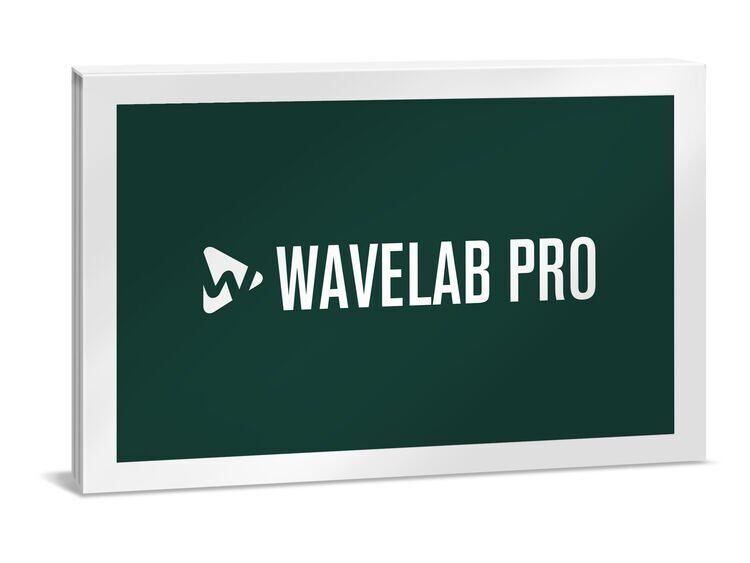
Steinberg WaveLab Pro 12
Audio Mastering Software

 More info
Calculate Shipping
Digital Delivery - $0.00
Activation codes will be sent via email before close of business on the following business day, Monday through Friday.
The True Art of Mastering
Mastering is one of the most important parts of the music production process. It is a unique art and, for 25 years, WaveLab has been the number one choice for mastering professionals. WaveLab is a complete mastering solution, with every tool that you will ever need to cover your workflow from start to finish.
With the support of a global network of mastering engineers who all use it, WaveLab is the key to making every aspect of your masters truly professional.
-
High-end mastering and editing for digital distribution, CD, Vinyl and more
-
Assemble different tracks to create an entire album
-
Exceptional metering, real-time FX, offline processors, restoration tools
-
Flexible integration of external hardware effects
Tool Windows
WaveLab Pro features various tool windows that can be docked, undocked, and saved in custom layouts. They include the Project Manager (for access to and editing all project files in WaveLab Pro); File Browser (with standard browsing functions and additional controls); Markers window (for creating, editing, and using markers); Metadata dialog (for defining the attributes that describe the audio contents to be embedded in an audio file); the Basic Audio CD window (for creating an audio CD by adding audio files to a list of tracks) and the Effects window (for adding effect plug-ins to tracks, clips, the montage output and more).
Audio Editor
The Audio Editor provides tools and functions for sample-accurate audio editing, high-quality analysis, processing and correcting errors. The wave window displays audio files graphically in the upper and lower displays (each can be displayed by waveform, spectrum or loudness) and allows you to view, play back, and edit the file. The Audio Editor tabs provide access to all the tools and options needed to edit audio files. The Spectrum tab, used in conjunction with the Spectrogram, is a unique editing and restoration tool.
Audio Montage
The Audio Montage window is a multichannel, multitrack, non-destructive editing environment that allows you to arrange, edit, play back, and record audio clips. Features include track and clip-based effects, volume/pan automation and wide-ranging fade and crossfade functions. It can be used to assemble audio clips into a montage on an unlimited number of stereo or mono tracks, for creating CDs, mastering, multimedia work, radio production, authoring professional audio CDs/DVD-Audio and much more. Each track can be routed to up to six surround channels or up to eight non-surround channels.
Meter Windows
WaveLab Pro has a variety of audio meters for monitoring and analyzing audio during playback, rendering, and recording. You can also use them to analyze audio sections when playback is stopped. Meter windows include the Level Meter (peak and average loudness/decibel levels and left/right stereo balance); Loudness Meter (loudness according to the EBU R-128 standard); Phasescope (phase/amplitude relationship between two stereo channels); Spectroscope (the frequency spectrum); Spectrometer (FFT Fast Fourier Transform frequency graph); Live Spectrogram (for detecting disturbances in the spectrogram); Bit Meter (how many bits are being used); Oscilloscope (a highly magnified view of the waveform around the playback cursor position) and the Wavescope (a real-time waveform drawing of the audio signal being monitored).
Batch Processor
The Batch Processor allows you to process multiple audio files or audio montage files at once, using the plug-ins and presets of the Master Section, offline effects and more. Batch-processed files can be saved in a different file format, renamed, and an external application can be run when the batch is finished. You can batch process metadata and run batches repeatedly, a process simplified using batch templates.
Watch Folders can be used to automate these tasks, setting up a predefined process to be automatically applied to the files — for example, processing with VST plug-in chains, R-128 loudness normalizing, MP3 conversions, etc. WaveLab Pro processes any files that are copied into Watch Folders, even if it is not the active application.
Master Section
The Master Section includes panes for Effects, Resampling, Master Level, Final Effects/Dithering, Playback Processing and Speaker Configuration. Mid/side support is included for all plug-ins and monitoring, meaning that they can be applied to either or both stereo channels, or to only the mid or side channels.\
The settings and effects in the Master Section are applied when playing back an audio file in the Wave window and when playing back an audio montage. Master Section effects are global for all clips and tracks in an audio montage when using the Render function, the Audio Input plug-in and when writing a CD from an audio montage.
Discover a world of applications
WaveLab is much more than the master of mastering. Its modular approach allows you to use different parts of its comprehensive feature set in every area of professional audio production. Whether it’s sample-accurate editing, precise spectral changes, audio restoration, forensic analysis of sound files and many other uses, WaveLab has the tools to do the job incredibly accurately and intuitively.
SYSTEM REQUIREMENTS
Operating systems (Windows): 64-bit Windows 11 Version 22H2 (or higher), 64-bit Windows 10 Version 22H2 (or higher)
Operating systems (Mac): macOS Monterey, macOS Ventura, macOS Sonoma, macOS Sequoia
Apple silicon–based Mac: Rosetta 2 App, Native App
CPU minimum (Windows): Intel® Core™ i5 (4th Generation) or AMD Ryzen™
CPU minimum (Mac): Intel® Core™ i5 (mid 2013 or later) or Apple silicon
CPU cores: 4 or more
RAM minimum: 8 GB
Hard disk free space (core installation): 1 GB
Hard disk free space: 4 GB
Display resolution minimum at 100% UI scaling: 1440 x 900
Display resolution recommended: 1920 x 1080
Graphics minimum (Windows): Graphics card with native Windows 10 support
Graphics recommended (Windows): AMD R or RX series and later or NVIDIA Series 700 and later
Graphics (Mac): Graphics card with Metal support
Graphics (GPU memory): 4 GB or higher for 4k displays
OS compatible audio hardware: Yes
ASIO compatible audio hardware recommended for low-latency performance: Yes
Internet connection for: license activation, installer download, account sign up and product registration
For more information, click here to visit the manufacturers website.